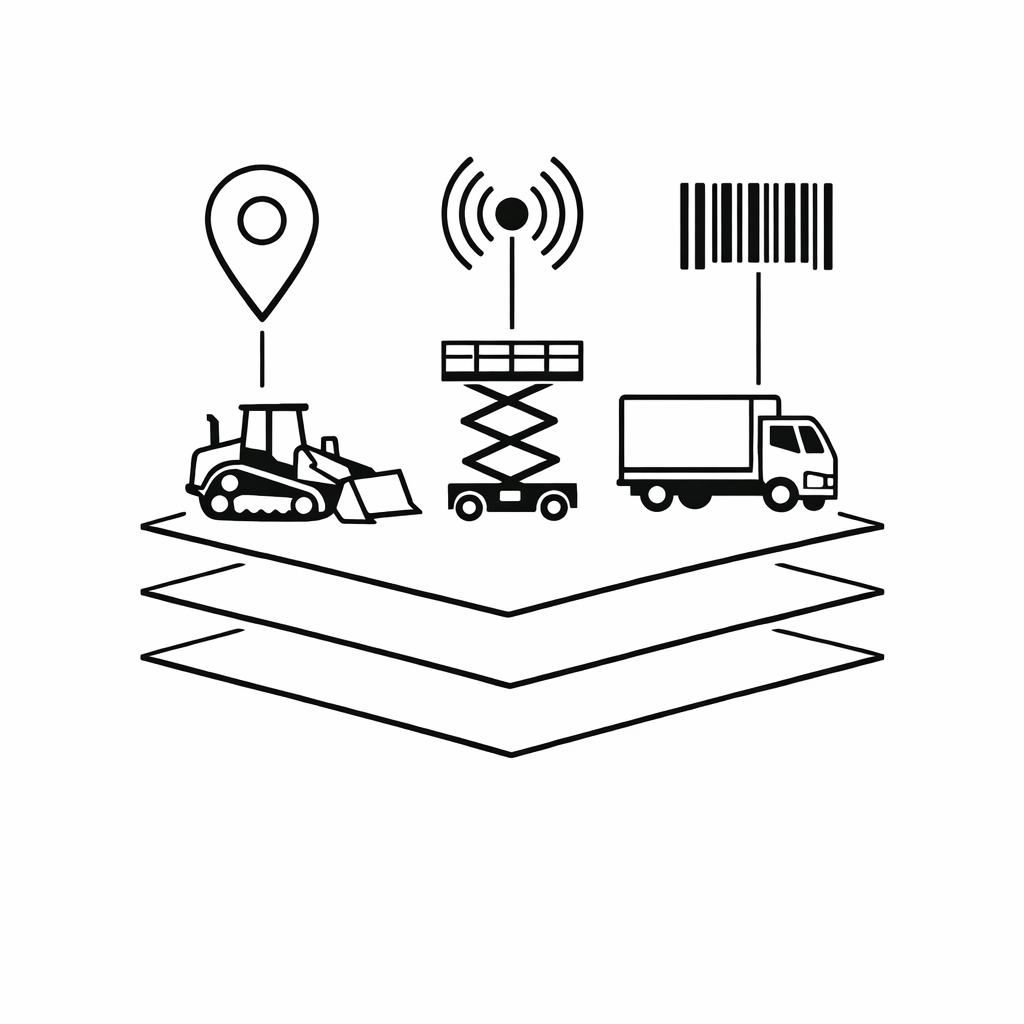
OEM telematics passthrough
The ERP ingests AEMP/ISO 15143-3 feeds from John Deere, Cat, Volvo. Great for big yellow iron. Useless for the 80% of your fleet that is trailers, generators, attachments, and tools.
Buyer's Guide
Most rental yard management software is rental ERP first, tracking second. This guide separates the two jobs — contracts and billing versus knowing where every asset physically is — and shows where a dedicated tracking layer like TagLogger fits alongside the platform you already run. See also AirTag tracking for rental equipment.
Rental yard management software and rental fleet management software get sold as the same product but answer different questions. Yard management is "where is the asset on the lot, has it left, is it back?" Fleet management is "across all branches, is the asset earning, is it dwelling, is it overdue?" The same vendors usually claim both, but the operational shape is distinct.
Walk into ten rental branches and ask what "yard management software" is, and you will get three different answers. For a counter manager, it is the system that writes contracts and prints tickets. For a branch manager, it is whatever shows utilization at the end of the month. For the yard foreman, it is the clipboard, the whiteboard, and the radio.
The vendor landscape reflects that confusion. Point of Rental, Wynne Systems (RentalResult), Texada, AlertRental, Quipli, and ezRentOut are all sold as "rental management software," but they are really rental ERPs. They do contracts, reservations, customer accounts, billing, depreciation, and integrations with QuickBooks or NetSuite. Tracking — the part that tells you which trailer is in row 4 versus on a job site in the next county — is usually a module, an add-on, or a hardware bundle bolted on top.
The "yard management" you actually need is two stacked jobs: a system of record for the rental (who has it, for how long, at what rate) and a system of truth for the asset (where it physically is right now). A rental ERP nails the first job. A tracking layer nails the second. TagLogger is the second one.
Workflows 1, 2, and the rate side of 5 belong to the ERP. Workflows 3 and 4, plus the location and dwell-time side of 5, are tracking problems. They are also the workflows where rental ERPs are weakest, which is why tracking modules get sold as upsells.
Most major rental platforms now offer some kind of telematics or tracking integration. The shape of the offer falls into three buckets:
The ERP ingests AEMP/ISO 15143-3 feeds from John Deere, Cat, Volvo. Great for big yellow iron. Useless for the 80% of your fleet that is trailers, generators, attachments, and tools.
The ERP vendor sells cellular GPS units at $200-$400 per unit plus $15-$30/month airtime. Good asset coverage, terrible economics on anything under $5K of asset value.
The ERP exposes an API or accepts a CSV import of coordinates. You buy your trackers separately. This is where TagLogger fits.
TagLogger uses Apple AirTags as the hardware ($15 Standard, $42 5-Year, $45 10-Year Tag) and runs them through Apple's Find My network, with software at $10/tag/month, dropping to $7.50/tag/month at 80+ tags. No airtime contract, no SIM card, no per-device cellular fee. The economics flip the moment you start tracking sub-$5K assets. A $300 GPS plus $20/month airtime on a $1,200 trailer attachment is hard to justify. A $15 tag plus $10/month is not.
The pattern that consistently works for mid-size rental yards (50-500 assets, 1-10 branches): rental ERP stays the system of record for contracts, customers, rates, and billing. Tracking layer becomes the system of truth for physical location, dwell time, and yard audits. The two systems exchange data through asset IDs and CSV/JSON/API, not through a deep integration. A typical rental day looks like this:
Variances become next month's process improvements. Most rental operators find a 5-15% gap between billed days and on-job days within the first quarter of running this loop. See the data export and API integration guide for the export format detail.
TagLogger is built for the tracking-layer job specifically. What it does:
What it does not do: write or manage rental contracts, handle billing/invoicing, replace your accounting integration, manage customer accounts or reservations, or replace OEM telematics for large equipment that needs engine-hour and diagnostic data. The honest pitch: if you are happy with your rental ERP and unhappy with how little you know about where your assets actually are, layer in tracking. If your ERP itself is the problem, no tracking system fixes that. For deeper context, see the rental and leasing industry overview.
Tag a starter set, drop yard and job-site geofences, and compare 30 days of location history against your ERP-billed days. The variance is usually the business case.