Compare & Evaluate
CMMS vs Asset Tracking: Two Different Jobs
A CMMS schedules maintenance and routes work orders. An asset-tracking system tells you where the asset physically is. Most ops teams eventually need both — and they usually talk to each other through an API. This guide explains where the line sits, what the major CMMS vendors actually ship for location, and when a dedicated tracking layer earns its keep. See how TagLogger's data export and API feeds into the major CMMS platforms.
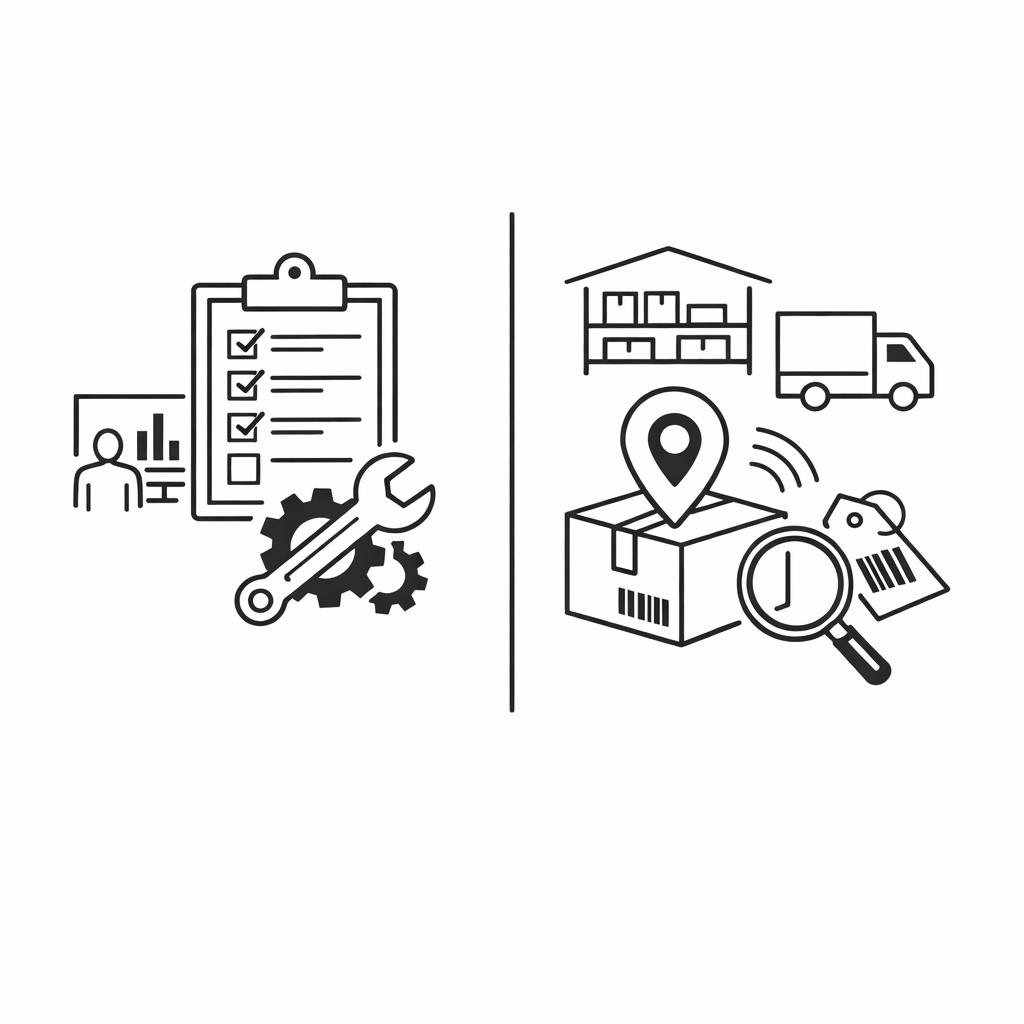
The short answer: they solve different problems
A CMMS is a system of record for maintenance work — work orders, PMs, technicians, parts. An asset-tracking system is a system of record for asset location — coordinates, history, geofence events. Most CMMS products have a "location" field on the asset record, but it is a text label entered manually by a technician (e.g. "Plant 2, Bay 4"), not a live coordinate. Ask a CMMS "where is mobile generator #14 right now," and the answer is whatever a human last typed.
| Capability | CMMS (MaintainX, UpKeep, Limble, Fiix, eMaint) | Asset tracking (TagLogger) |
|---|---|---|
| Work orders + PM scheduling | Yes — core | No |
| Asset register + hierarchy | Yes — core | Yes — flat list |
| Live coordinates per asset | No — text label | Yes — continuous |
| Location history (timestamps) | No | Yes — full history |
| Geofence alerts on movement | No | Yes — entry/exit events |
| Parts inventory | Yes | No |
| Billing model | Per user | Per asset |
| Reporting on MTBF, MTTR, PM compliance | Yes | No |
Work orders + PM scheduling
- CMMS (MaintainX, UpKeep, Limble, Fiix, eMaint)
- Yes — core
- Asset tracking (TagLogger)
- No
Asset register + hierarchy
- CMMS (MaintainX, UpKeep, Limble, Fiix, eMaint)
- Yes — core
- Asset tracking (TagLogger)
- Yes — flat list
Live coordinates per asset
- CMMS (MaintainX, UpKeep, Limble, Fiix, eMaint)
- No — text label
- Asset tracking (TagLogger)
- Yes — continuous
Location history (timestamps)
- CMMS (MaintainX, UpKeep, Limble, Fiix, eMaint)
- No
- Asset tracking (TagLogger)
- Yes — full history
Geofence alerts on movement
- CMMS (MaintainX, UpKeep, Limble, Fiix, eMaint)
- No
- Asset tracking (TagLogger)
- Yes — entry/exit events
Parts inventory
- CMMS (MaintainX, UpKeep, Limble, Fiix, eMaint)
- Yes
- Asset tracking (TagLogger)
- No
Billing model
- CMMS (MaintainX, UpKeep, Limble, Fiix, eMaint)
- Per user
- Asset tracking (TagLogger)
- Per asset
Reporting on MTBF, MTTR, PM compliance
- CMMS (MaintainX, UpKeep, Limble, Fiix, eMaint)
- Yes
- Asset tracking (TagLogger)
- No
That gap is what dedicated asset tracking fills. Whether the gap matters to your operation depends on how mobile your assets are, how much they walk off, and how often field techs waste a morning hunting for them.
What a CMMS actually does (and what it doesn't)
To make this concrete, here is what the major CMMS platforms ship in their core product, based on public documentation as of 2026:
- Work order management — create, assign, prioritize, and close work orders. Standard across MaintainX, UpKeep, Limble, Fiix, eMaint.
- Preventive maintenance scheduling — recurring PMs by date, runtime, meter reading. Standard.
- Asset hierarchy and registry — parent/child asset trees, criticality scoring. Standard.
- Parts and inventory — stockroom counts, min/max levels, reorder triggers. Standard, sometimes a paid add-on.
- Reporting on MTBF, MTTR, PM compliance, work-order backlog — standard.
What CMMS platforms typically do not ship as a core feature: live GPS or BLE location of assets, geofencing and movement alerts, continuous location history, or hardware tags. The "location" field on an asset is a text string in nearly every product. A few CMMS products advertise IoT or condition-monitoring integrations — those are typically inbound feeds for sensor data (temperature, vibration, runtime hours), not fleet-wide location with geofences and history.
CMMS with location tracking: what to ask the vendor before buying
CMMS with location tracking is a phrase most ops leads search for after their first month of looking for a generator. Before you buy a second system, pressure-test what your CMMS actually offers. Specific questions cut through marketing copy:
- Is the location field a coordinate or a label? If it's a label, the system has no idea where the asset physically is.
- Does the location update automatically, or does a tech update it on close-out of a work order? Manual updates lag by days or weeks.
- Can I draw a geofence and get an alert when an asset leaves it? If no, there is no movement detection.
- Can I see the location history of a single asset over the last 90 days? If no, you cannot answer "where has this generator been" during an audit.
- If I bring my own tracking data, can I push it in via API? This is the realistic answer for most teams: keep the CMMS for work, add a tracking layer, integrate them.
If the honest answers to the first four are "label, manual, no, no," your CMMS is doing the job CMMSs are designed for, and tracking is genuinely a separate layer.
When asset tracking and CMMS need to talk
The integration pattern most ops teams converge on looks like this. The CMMS owns the asset master, work orders, and PM schedules. The tracking system owns last-seen location, geofence events, and history. A nightly or near-real-time sync writes location data back to a custom field on the CMMS asset record, or attaches a coordinate to each work order at the moment it's created.
In practice this is done with an API. The tracking system exposes location data; an integration job writes it to the CMMS via the CMMS's REST API or a middleware tool (Workato, Make, Zapier, or a custom script). MaintainX, UpKeep, Limble, and Fiix all have public APIs, though feature coverage varies by tier.
TagLogger's role in this pattern is supplying the location feed. The platform exports tag location data and history as CSV, JSON, or via API — see the AirTag export and API integration guide for the specifics. From there, the data lands in your CMMS the same way any third-party feed would: scheduled job, custom field, done. For multi-site fleets sharing one workspace across plants, running multiple AirTags as a fleet covers the role-scoping pattern.
Pricing reality — what each layer costs
CMMS pricing is per user. Asset tracking pricing is per asset. They scale on different axes — tech headcount drives CMMS cost; mobile asset count drives tracking cost. Treat the figures below as 2026 list pricing per published vendor pages; always confirm at quote time.
| Vendor | Billing basis | Entry tier | Notes |
|---|---|---|---|
| MaintainX | Per user / month | $16-$21 | Free tier exists; Premium and Enterprise tiers higher |
| UpKeep | Per user / month | ~$20 | Lite, Starter, Professional, Business+ |
| Limble | Per user / month | $28-$35 | Standard, Premium+, Enterprise |
| Fiix (Rockwell) | Per user / month | $45-$75 | Free, Basic, Professional, Enterprise |
| eMaint (Fluke) | Per user / month | Quote-based | Generally enterprise pricing |
| TagLogger | Per asset / month | $10 ($7.50 at 80+ tags) | Unlimited workspace users at no extra seat cost |
MaintainX
- Billing basis
- Per user / month
- Entry tier
- $16-$21
- Notes
- Free tier exists; Premium and Enterprise tiers higher
UpKeep
- Billing basis
- Per user / month
- Entry tier
- ~$20
- Notes
- Lite, Starter, Professional, Business+
Limble
- Billing basis
- Per user / month
- Entry tier
- $28-$35
- Notes
- Standard, Premium+, Enterprise
Fiix (Rockwell)
- Billing basis
- Per user / month
- Entry tier
- $45-$75
- Notes
- Free, Basic, Professional, Enterprise
eMaint (Fluke)
- Billing basis
- Per user / month
- Entry tier
- Quote-based
- Notes
- Generally enterprise pricing
TagLogger
- Billing basis
- Per asset / month
- Entry tier
- $10 ($7.50 at 80+ tags)
- Notes
- Unlimited workspace users at no extra seat cost
A 15-person maintenance team on Limble at $30/user/mo is $5,400/year. A 200-asset tracking layer on TagLogger at $120/tag/year is $24,000/year. Different cost shapes for different jobs. See /#pricing for current pricing.
Frequently asked questions
Add the location layer your CMMS doesn't ship
Keep your CMMS for work orders and PMs. Add TagLogger for live location, history, and geofencing — exported to your CMMS via CSV, JSON, or API. Per-asset pricing, unlimited workspace users.